
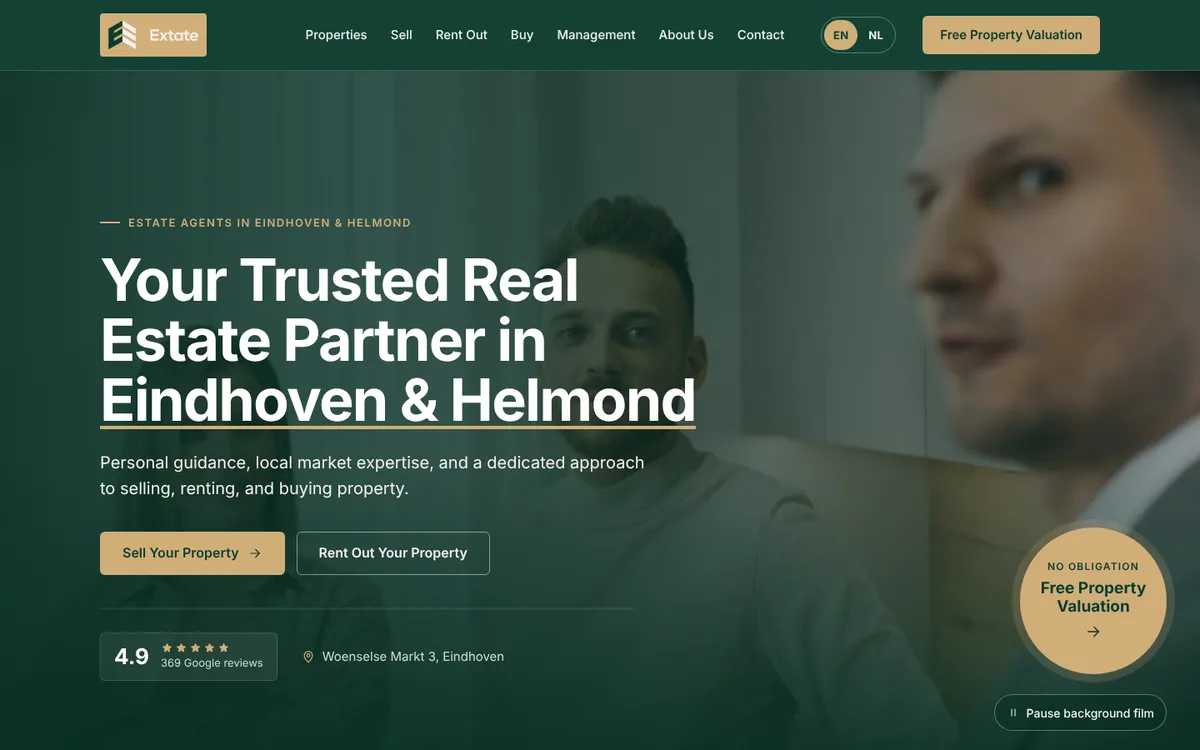
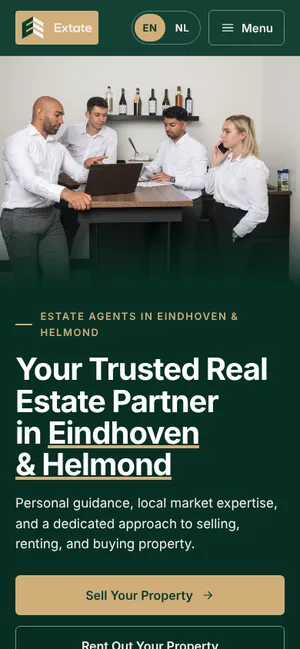
Concept 1
Cinematic
A full-width film of the team sets the tone, with the free valuation offer always within reach. Built to turn visitors into valuation requests.
- Background film of the team, with a pause button
- Services in an expandable list
- Google reviews in a carousel
- Listings sorted by for sale, for rent and sold

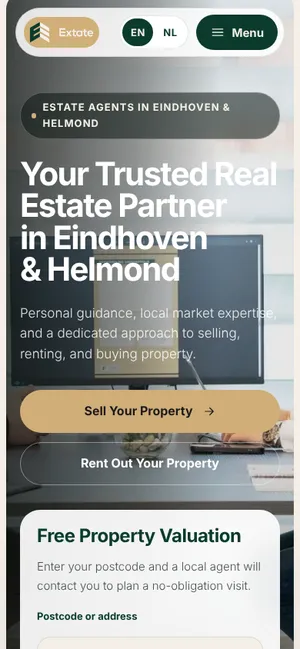
Concept 2
Modern
Calm, airy and structured, with a floating header, a valuation form in the hero and clear rows for each service. It comes in three colour themes.
- Valuation form right in the hero
- The selling approach in five clear steps
- Three colour themes: Forest, Ink and Sage
Switch the colour theme with the three dots in the bar at the bottom of the page.
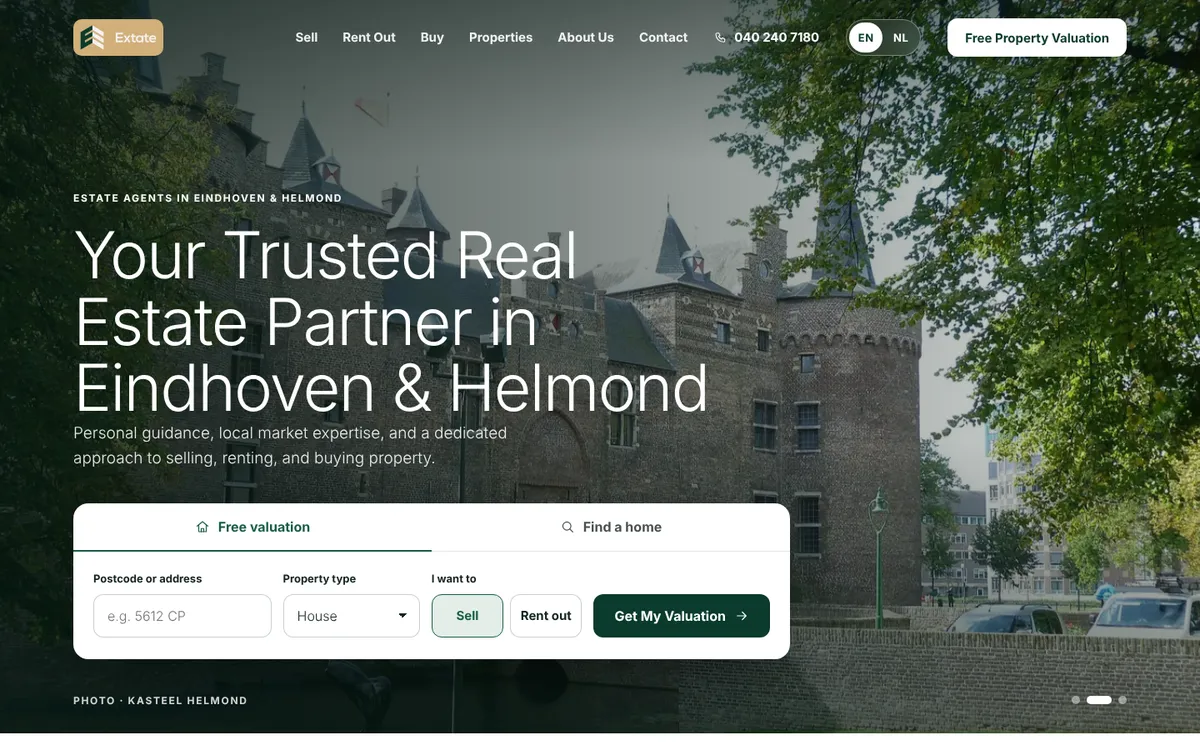
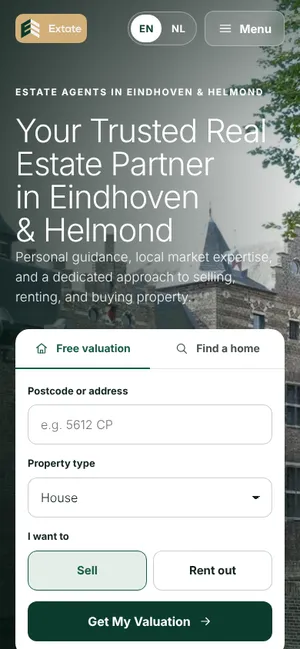
Concept 3
Photo-led and calm
Photographs of Eindhoven and Helmond lead the way, with a search panel that lets visitors request a valuation or look for a home straight away.
- Slideshow of Eindhoven and Helmond
- Valuation and home search tabs in the hero
- Illustrated map of both offices
- Listings you can scroll through